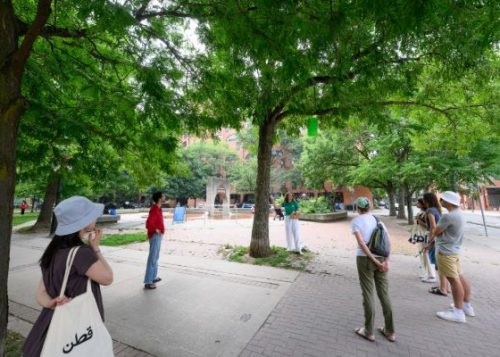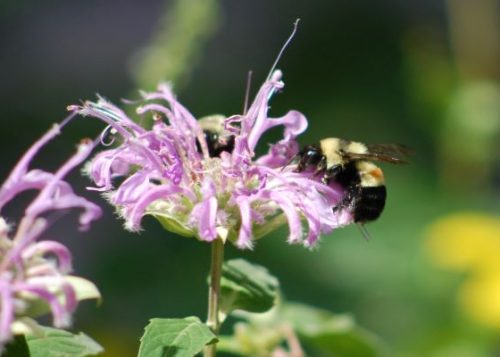

Find out how Toronto is creating a sustainable and resilient city in response to climate change.
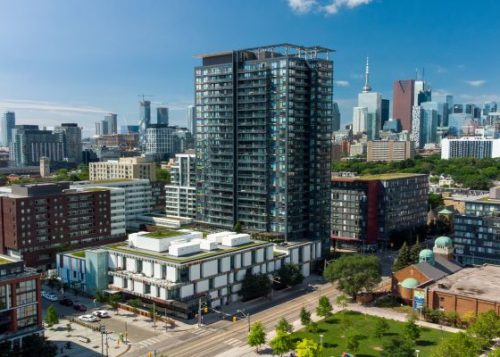
Explore City programs providing funding, support and expertise for building owners to enhance energy efficiency.

Learn about the City's net-zero buildings, sustainable fleets and waste diversion initiatives.

Learn about how the City is transitioning towards a circular economy and how you can get involved.
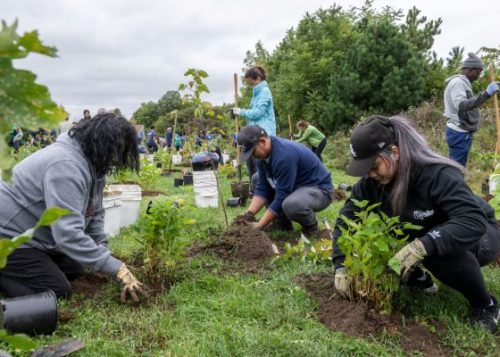
Participate in the City's climate action strategy through volunteer opportunities.
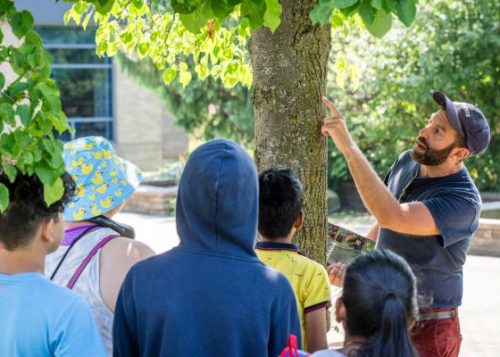
Find more information about the annual spring cleanup, forestry talks and tours, tree planting and more.
Subscribe to receive electronic messages from Live Green Toronto including invitations to programs and events, promotions, as well as other notifications. (You may withdraw your consent at any time).